Albert budget app review: Is it worth the subscription fee?


If you’re looking for a new budgeting app to try, Albert should definitely be on your radar. The app automatically creates a budget based on your income and bills, all while using your recent spending to estimate how much you can spend in different categories.
But budgeting is only part of what Albert offers. The app also bundles in features for saving, investing, banking, credit monitoring and more, with paid subscription plans starting at $19.99 per month.
So, is Albert worth paying for if your main goal is managing your budget? This Albert review looks at how the app’s budgeting tools work, what you get with each plan, how it handles linked accounts and which features could make the app worth the cost.
Albert app at a glance
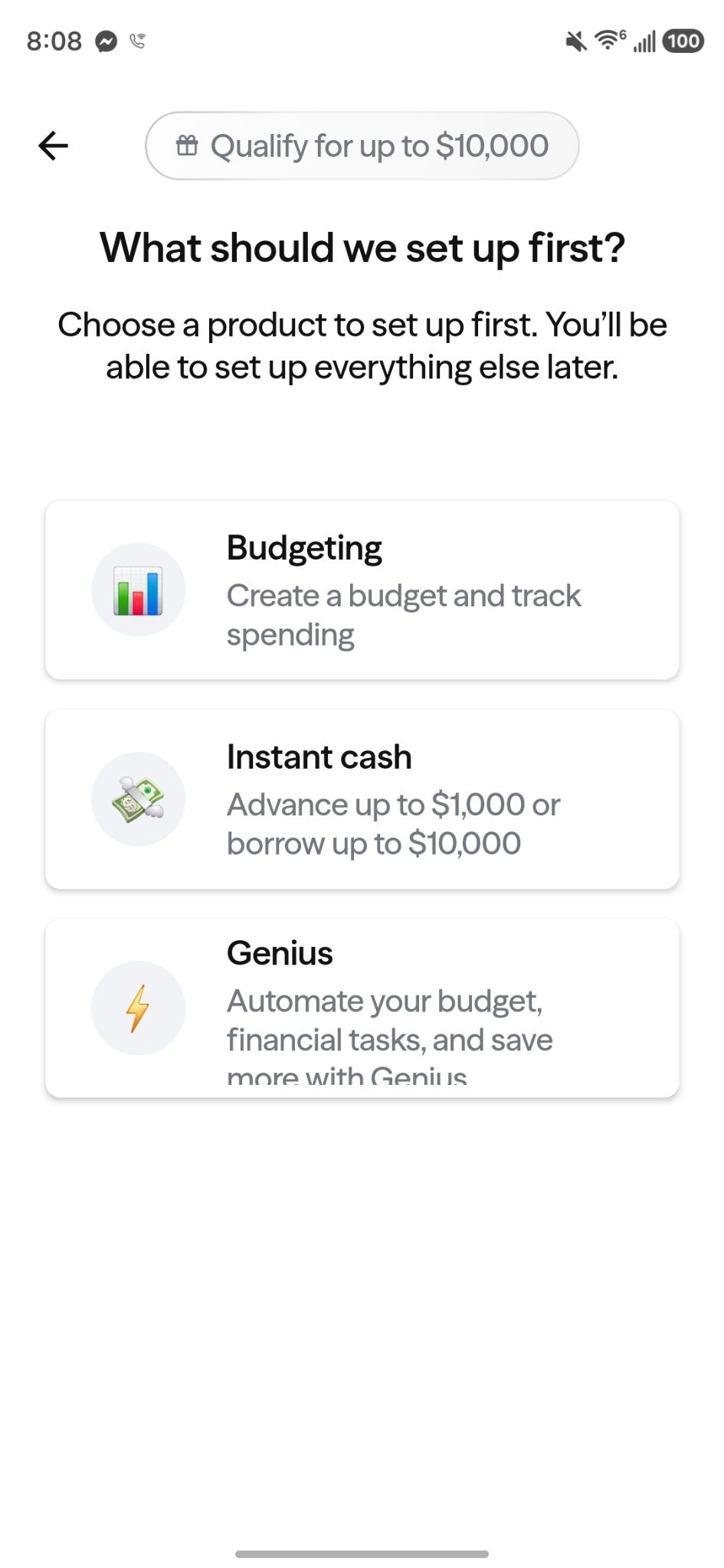
Albert is a financial services company, not a bank. Its app combines budgeting with banking, savings, investing and an AI-powered financial assistant, so budgeting is just one part of a broader money-management platform. Banking services are provided through partner banks and eligible deposits may receive FDIC insurance on a pass-through basis.
Book1.xlsx
| Feature | Albert at a glance |
|---|---|
| Primary purpose | Budgeting and broader money management |
| Budgeting method | Automatically creates a budget and categorizes spending |
| Trial period | 30 days to try the app for free |
| Pricing | Paid subscription plans starting at $19.99 per month |
Albert’s mix of features can be useful if you want to manage and automate parts of your financial life in one app. But if you’re mainly looking for a straightforward budget tracker, the bigger question is whether the added features justify the subscription cost.
How Albert builds and manages your budget
Albert takes much of the setup work out of budgeting. After you connect your financial accounts, the app uses your income, bills and previous spending to automatically create a budget and estimate how much you can spend in different categories.
You don’t have to stick with Albert’s initial recommendations, though. You can adjust your budget categories and change the amounts assigned to them as your spending needs change.
Automatic budget and customizable categories
Albert’s automatic approach can be helpful if you don’t want to start a budget from scratch. The app looks at your previous spending to help determine how much you typically spend in different categories, giving you a starting point based on your actual financial activity.
Your transactions also affect how Albert calculates your budget. Transactions categorized as income count toward your income, while transfers are excluded. Other transactions are counted within their assigned spending categories.
This means your budget can change as your financial activity changes. Rather than setting up a budget once and forgetting about it, you can use Albert to keep an eye on your spending and make adjustments when needed.
Spending insights and AI-assisted planning
Albert also offers spending insights and AI-powered financial assistance through certain features. These tools can help you understand your spending and make financial decisions, but they shouldn’t be treated as a substitute for your own judgment.
How it works:
- Link your accounts: Connect your financial accounts so Albert can see your income, bills and spending activity.
- Review your budget: Albert automatically creates a budget based on your financial activity and previous spending.
- Customize and monitor: Adjust categories or spending amounts as needed, then use the app to keep track of your spending over time.
Albert pricing and subscription plans
While Albert gives you 30 days to try out its features for free, the ongoing cost can be fairly substantial from there. Its current subscription lineup includes Standard, Genius and Family plans, with prices ranging from $19.99 to $39.99 per month.
Book1.xlsx
| Plan | Monthly price | Major differentiator |
|---|---|---|
| Standard | $19.99 | Core financial tools including investing, identity protection, credit score monitoring and debit card cash back |
| Genius | $39.99 | Adds an AI-powered financial assistant to the Standard benefits |
| Family | $39.99 | Gives the primary member and up to four family members access to Standard and Genius benefits |
The Standard plan may be enough if you mainly want Albert’s core money-management tools. Genius adds an AI-powered financial assistant that can help with tasks such as moving money, finding discounts and analyzing your finances. The Family plan could offer more value for households that want to share Albert’s features across multiple members.
Keep in mind that Albert’s subscription payments automatically renew until you deactivate the subscription. You can manage or deactivate your subscription through the app.
What you get beyond budgeting
Budgeting is just one piece of the Albert app. Depending on the plan and product, you also get access to tools for financial planning, saving, spending and investing.
Albert Genius
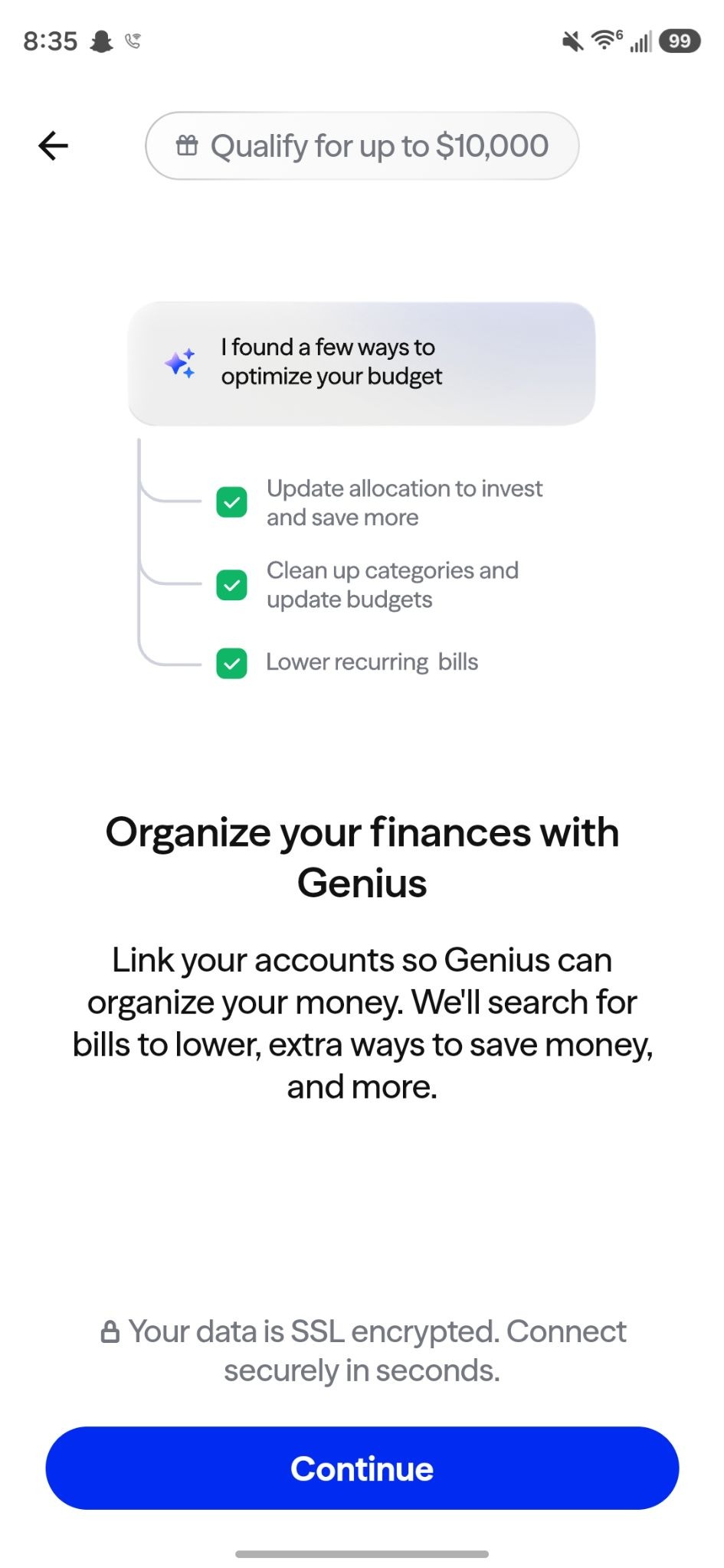
Albert Genius includes an AI-powered financial assistant that can help with budgeting, planning and other money-related tasks. Albert cautions that AI-generated information can contain mistakes and says Genius is not a licensed financial advisor, so you shouldn’t treat its suggestions as professional financial advice.
Cash and Savings
Albert also offers cash and savings products that can help you manage spending and set money aside, and you can use the account to access cash fee-free at more than 55,000 ATMs. You could even qualify to get paid two days faster with early direct deposit.
The underlying deposit accounts are provided through partner banks rather than Albert itself, and eligible deposits may qualify for FDIC insurance subject to applicable limits and requirements.
Smart money
Smart money is an optional automation feature that analyzes your income and spending to determine when money can be moved toward saving and investing. This can reduce some of the work involved in moving money between financial goals, although you’ll want to make sure the automated transfers fit your budget.
Instant advances
Albert’s Instant product offers eligible users access to cash advances, but qualifying for an advance depends on factors such as account activity and other eligibility requirements. You don’t need an Albert subscription to use Instant, according to Albert’s current disclosures, so it’s separate from the paid budgeting experience.

Albert budget app pros and cons
Albert offers features that can make budgeting easier. However, the app’s broader financial focus isn’t necessarily a plus for everyone.
Pros
- Automatic budget creation: Albert builds a budget using your income, bills and previous spending, so you don’t have to start from scratch.
- Customizable categories: You can adjust spending categories and change budget amounts based on your needs.
- Multiple money tools: Budgeting, saving, investing, banking and other financial features are available within the broader Albert platform.
- Optional AI assistance: Genius includes an AI-powered financial assistant that can help with budgeting and financial planning.
- Automation options: Features such as Smart money can automate some saving and investing tasks based on your financial activity.
Cons
- Monthly subscription cost: Albert’s paid plans start at $19.99 per month, which can be a significant cost if you only want basic budgeting tools.
- More than just a budgeting app: The broader collection of financial products may add complexity for someone who simply wants to track spending and follow a budget.
- Relies on financial data: Albert’s automated budgeting features use information from your linked financial accounts and spending activity.
- AI has limitations: Albert says Genius can make mistakes and isn’t a licensed financial advisor, so its suggestions shouldn’t be treated as professional financial advice.
- Product terms vary: Features such as banking, investing and advances have their own eligibility requirements, terms and protections.
Is Albert worth it?
Albert can be a useful option if you want an automated approach to budgeting and like the idea of managing more of your finances in one app. Its ability to build a budget from your income, bills and spending history can save you some setup work, while customizable categories give you control over the final plan.
The bigger question is whether you’ll use Albert’s other features enough to justify the monthly subscription cost. If you want budgeting plus tools for saving, investing, banking and financial planning, Albert’s broader bundle may make sense. But if you only need a simple way to track spending and stick to a budget, a different budgeting app (including Mint alternatives) may be a better fit.
Frequently asked questions
Is Albert a free budgeting app?
No. Albert’s Standard plan costs $19.99 per month, while Genius and Family cost $39.99 per month. Albert currently offers a 30-day trial for new accounts before the subscription charge begins, according to its terms.
Can I use Albert for budgeting without using its banking or investing features?
Yes. Albert’s budgeting tools can work with external financial accounts you connect to the app, so you don’t have to use Albert’s banking or investing products to track your spending and budget.
Does Albert automatically create a budget from my transactions?
Yes. Albert automatically creates a budget using your income, spending and bills and estimates your budget based on your previous two months of spending. From there, you can adjust individual categories and budget amounts to fit your needs.
Is money held through Albert FDIC insured?
Eligible deposits held through Albert’s partner banks may qualify for FDIC pass-through insurance, subject to applicable limits and requirements. Albert itself is not a bank, and FDIC insurance does not cover investment products or other non-deposit products.